




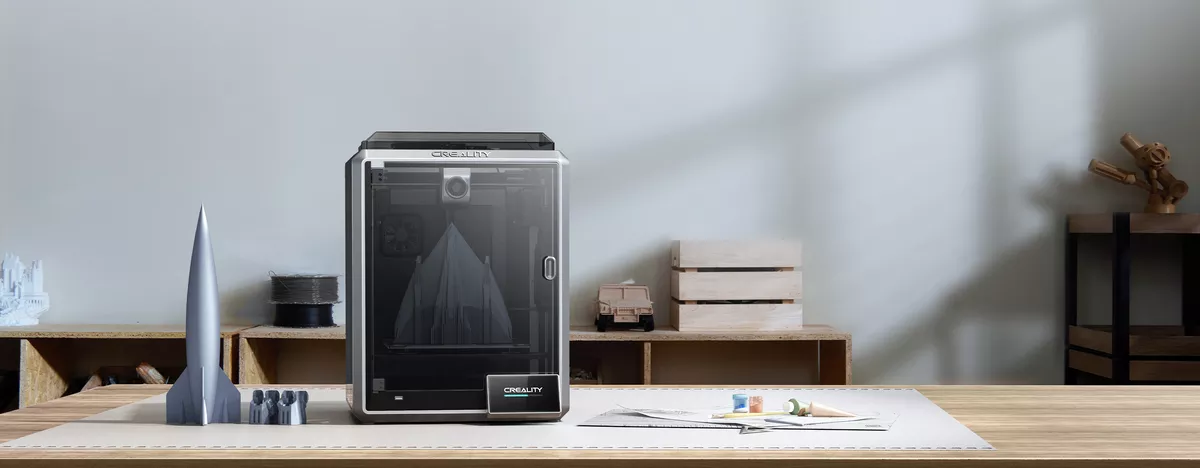
Creality is one of the most widely recognized 3D printer manufacturers, known for democratizing access to FDM (Fused Deposition Modeling – a method of printing using melted plastic filament) printers through models like the Ender 3 and CR-10. Their catalog is massive, covering everything from compact DIY kits to high-speed CoreXY machines like the K1 Max. Creality thrives on its open ecosystem, strong community, and upgrade-friendly designs.
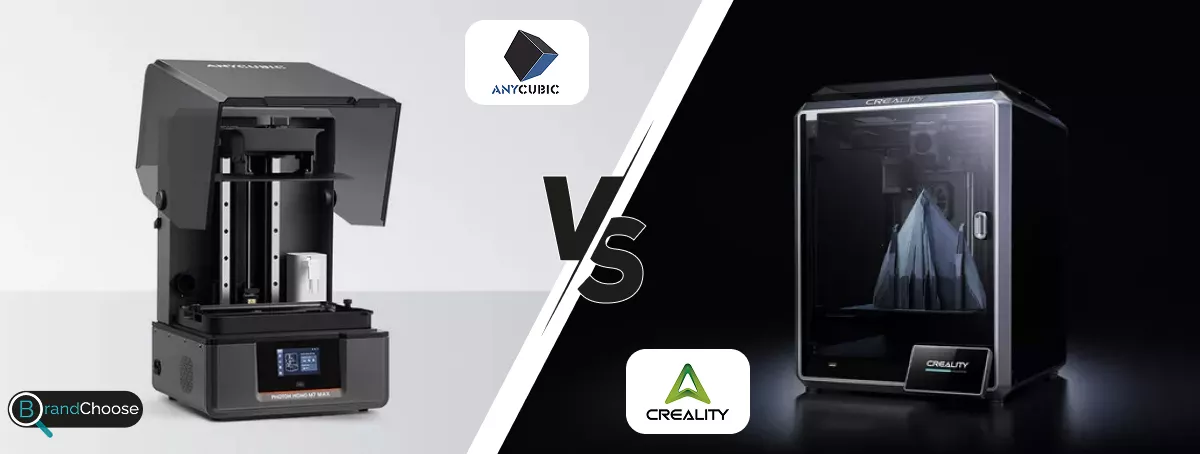
Anycubic, founded around the same time, built its reputation on delivering budget-friendly machines with impressive default performance. From the FDM Kobra series to their wildly successful Photon resin printers (MSLA – Masked Stereolithography, a type of high-resolution liquid resin printing), Anycubic aims for smoother user experience, better pre-calibrated results, and polished interfaces—especially attractive for beginners or semi-pros.
Print Quality & Speed
🟦 Across both brands, print quality is very good, but the setup experience differs. Creality’s Ender and CR series, which use Cartesian motion (classic X-Y-Z gantry, easy to understand) or CoreXY motion systems (two belts arranged in an intersecting “core” pattern that lets the printhead accelerate diagonally with less moving mass), typically deliver clean layer lines and good dimensional accuracy—especially when dialed in with manual tuning of speed, temperature, and flow rate. Creality has also introduced faster machines such as the K1 Max, which pairs a lightweight printhead with vibration compensation for speeds up to 600 mm/s.
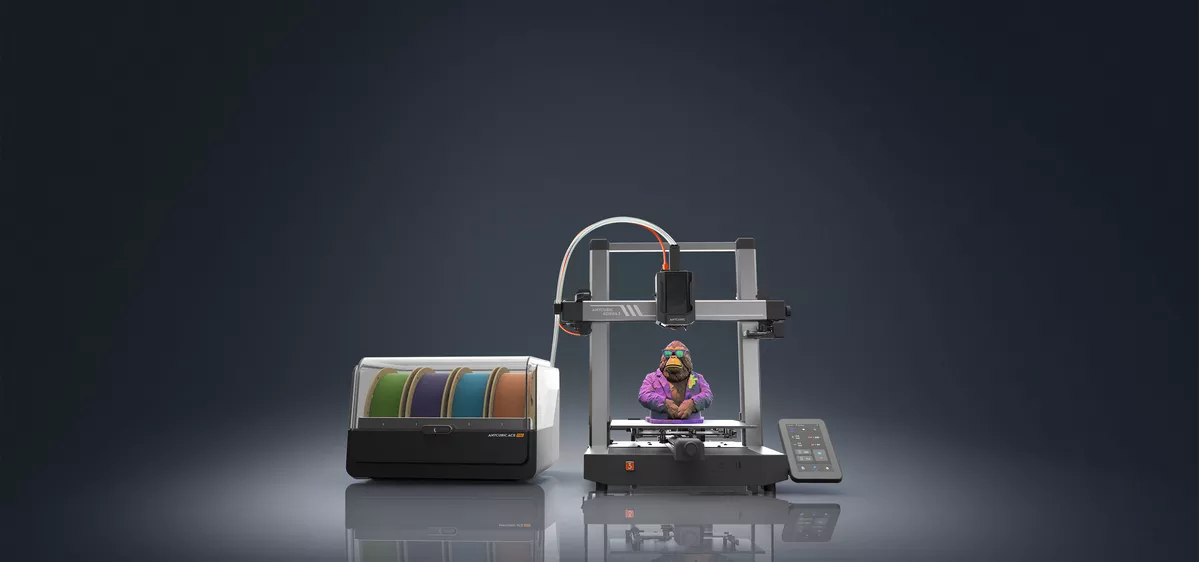
🟪 Anycubic’s Kobra FDM printers and Photon resin series often ship factory-calibrated, with firmware and slicer profiles (software that converts a 3-D model into printable toolpaths) tuned for beginners. Models like the Photon Mono X or Kobra 2 Pro deliver smooth surfaces and excellent detail without much user intervention. Anycubic keeps pace on speed with the Kobra 3 Combo, which supports multi-material printing at respectable velocities and comes with automatic flow calibration.
✅ If you prefer extensive modding and ultra-high-speed potential, Creality has the edge. If you want top-tier print quality with minimal tuning, Anycubic is slightly ahead.
Material Compatibility
🟦 Both brands support a wide range of printing materials. Creality’s machines, especially those with all-metal hotends (no PTFE liner inside, so they withstand higher temperatures without degrading), can handle everyday filaments like PLA, PETG, and TPU, plus advanced materials such as ABS, PC, and nylon—particularly on enclosed models that trap heat and reduce warping.
🟪 Anycubic’s FDM lineup performs similarly, but its resin printers are especially versatile—compatible with flexible, high-strength, water-washable resins (resins you can rinse with tap water instead of isopropyl alcohol), and a broad mix of third-party formulas. Both ecosystems encourage non-proprietary materials, yet Anycubic machines often reach good results with fewer slicer tweaks.
✅ Anycubic takes a slight lead, primarily because its resin platform handles exotic materials more smoothly straight out of the box.
Maintenance
🟦 Creality’s open-frame architecture means belts, idlers, and mainboards are exposed and easy to swap. A vast modding community supplies printable fan ducts, linear-rail conversions, and drop-in hotend upgrades, with tutorials on every forum.
🟪 Anycubic simplifies daily upkeep—quick-release build plates, resin vat-tilt functions for easy cleaning, and filament run-out sensors—but its enclosed designs and proprietary ribbon cables can complicate deep repairs or controller swaps.
✅ Creality is the go-to for DIY repairability and long-term tweakability.
Technology & Features
🟦 Creality is pushing rapid innovation: AI camera monitoring (detects print failure and pauses the job), input-shaping for vibration cancelation, and cloud printing via Creality Print. Their CoreXY flagships use dual gear direct-drive extruders for faster retractions.
🟪 Anycubic focuses on workflow polish: monochrome LCDs (up to 8 × longer life and 2–4× faster layer cure), high-resolution TFTs for model previews, and frequent slicer updates that auto-generate anti-alias masks to smooth resin layer edges. The Kobra 3 Combo introduces fast color-swapping using a four-material hub.
✅ Creality leads on headline-grabbing innovation; Anycubic excels at practical, user-facing refinement.
🟦 Choose Creality if you are:
- A hobbyist who enjoys tearing things apart, upgrading hotends, and printing custom mods
- Looking for everything from a tiny desk-mate printer to a room-filling giant
- On a strict budget but willing to fine-tune and occasionally troubleshoot firmware
🟪 Choose Anycubic if you are:
- A beginner or intermediate user who values 30-minute unboxing-to-printing workflows
- Interested in high-resolution resin models (miniatures, dental casts) with easy cleanup
- Focusing on polished FDM results and minimal day-to-day maintenance
Conclusion
Creality gives more freedom, size options, and upgrade paths for budget-conscious tinkerers. Anycubic delivers smoother onboarding, polished prints, and resin leadership with less user effort. Both brands are strong—but your ideal choice depends on whether you want control and versatility or ease and consistency.